













Topics
One platform for every subject kids are curious about
From multiplication tricks to dinosaur week. Build carousels that teach one clear idea at a time.
Math & logic
Fractions, times tables, and brain teasers explained slide by slide.
Science
Planets, animals, and experiments as visual stories kids actually remember.
Reading & phonics
Sight words, rhymes, and mini stories that feel like a picture book.
Geography & culture
Countries, flags, and fun facts in snackable carousel format.
Art & creativity
Color theory, famous artists, and DIY projects kids can try at home.
Life skills
Kindness, routines, and money basics as gentle lessons without lecturing.
How it works
From lesson idea to posted carousel in minutes
Three steps. No timeline editing and no hunting for clip art.
- 01
Pick a lesson hook
Start with one idea: “Why do we have seasons?” or “3 tricks for 7×8.” Choose the Lesson arc framework and Reely maps hook → explain → quiz → recap.
- 02
Choose a kid-friendly style
Cartoon, clay 3D, or illustrated. Characters stay consistent so every slide feels like the same show.
- 03
Post where families scroll
Export vertical carousels for TikTok and Instagram. One lesson, many platforms.
Lesson arc framework
Hook → Explain → Quiz → Recap
Reely’s built-in story structure for kids content. Pick Lesson arc when you create a slideshow and every slide has a job, attention first, facts second.
- Beat 1
Hook
Open with one question or surprising fact tied to a single lesson idea, not a list of random trivia.
- Beat 2
Explain
Two or three slides that teach one concept in order. Each frame advances the story, like a mini show.
- Beat 3
Quiz
One “pause and guess” beat, multiple choice, true/false, or a quick check before the answer lands.
- Beat 4
Recap
One memorable takeaway kids can repeat, plus an optional soft follow (save, part 2, try at home).
Kid-friendly teaching arc: hook curiosity, explain one idea, quiz retention, recap the takeaway. Best for kids education, classrooms, homeschool, edutainment, one clear lesson per carousel.
Examples
Lessons that look like kids content, not ads
Real slideshow styles from Reely. Swipe through sample frames.
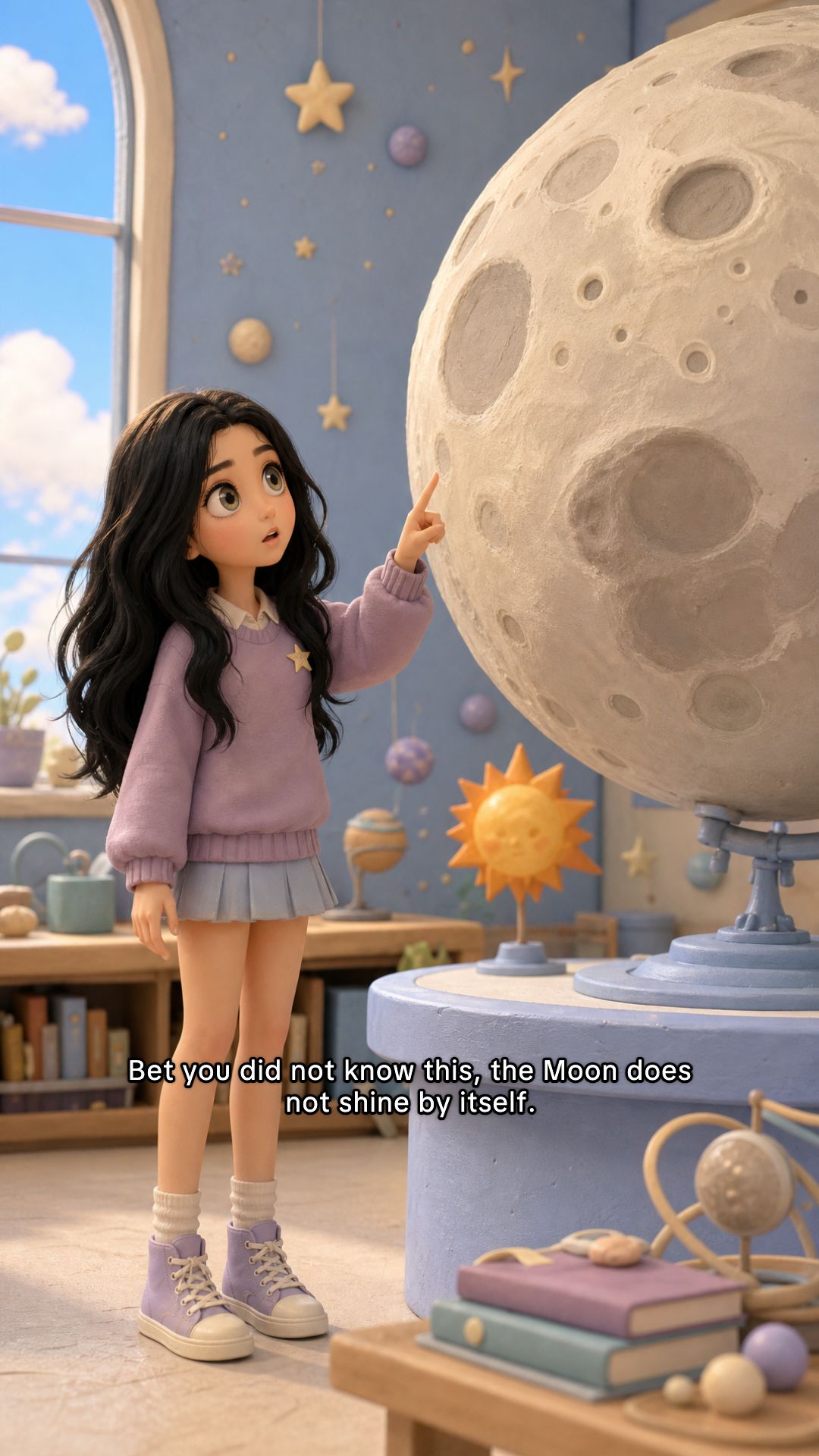
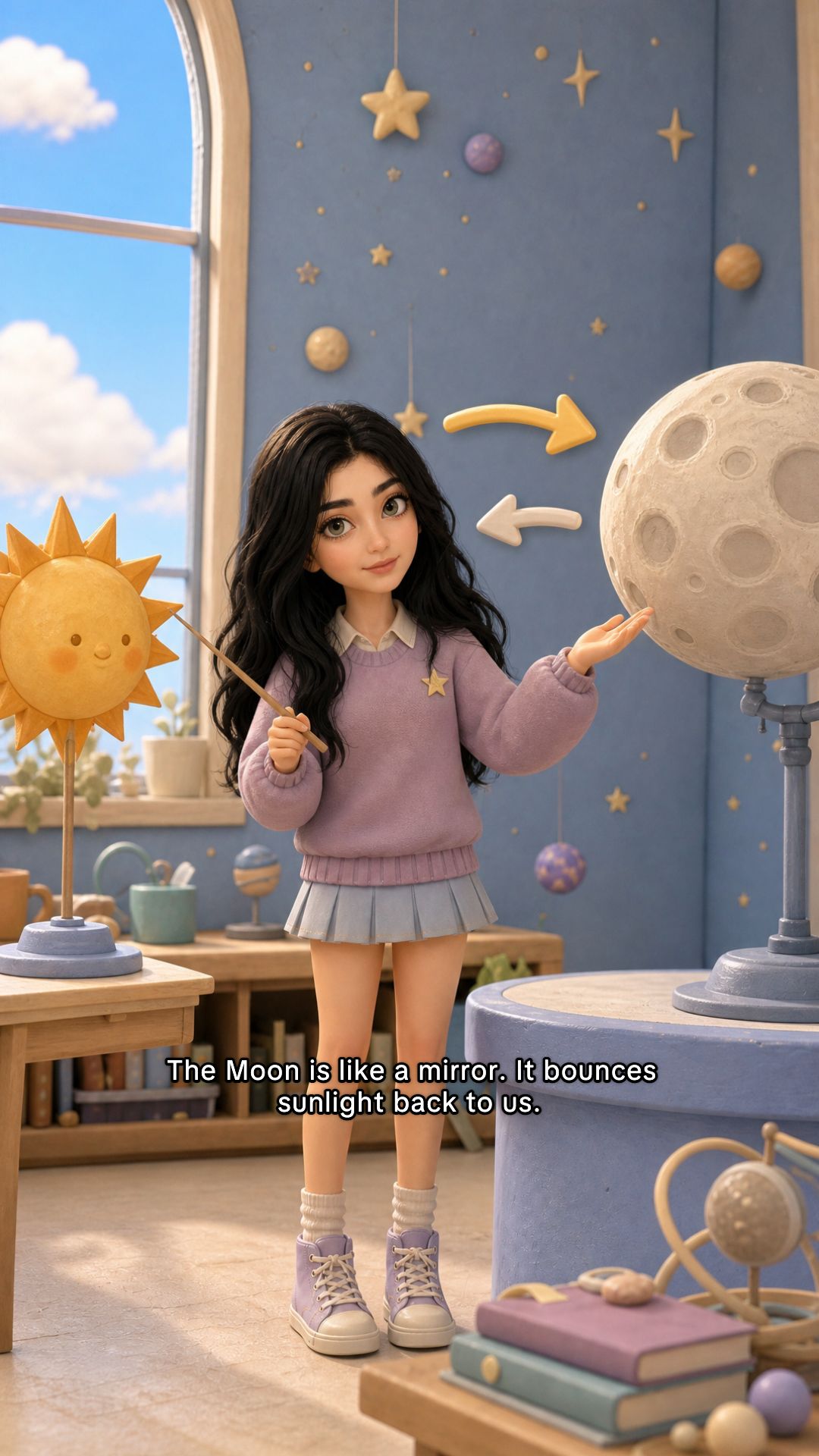

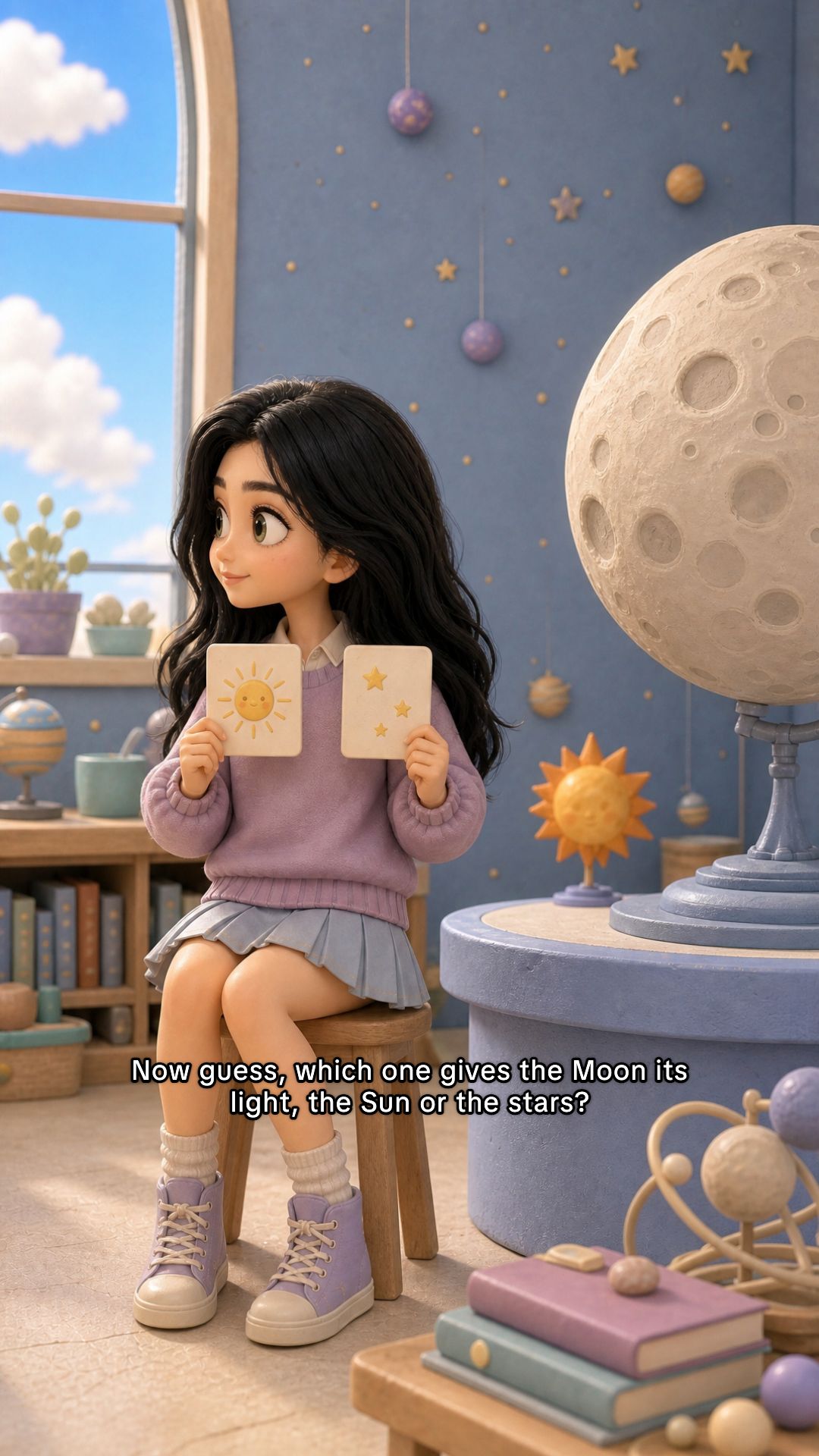


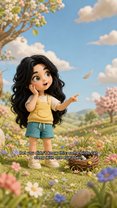
Deep space
Clay 3D style
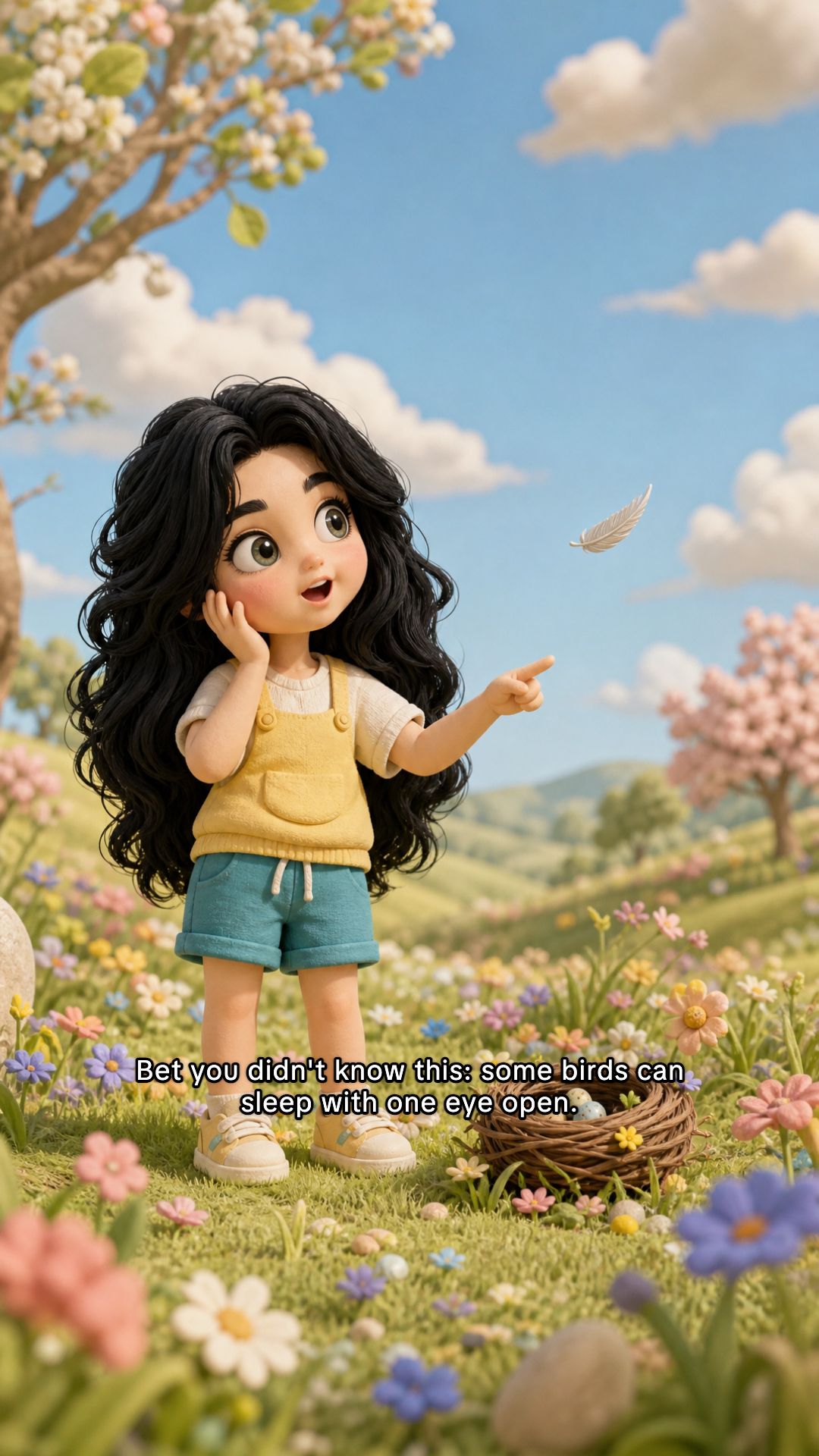

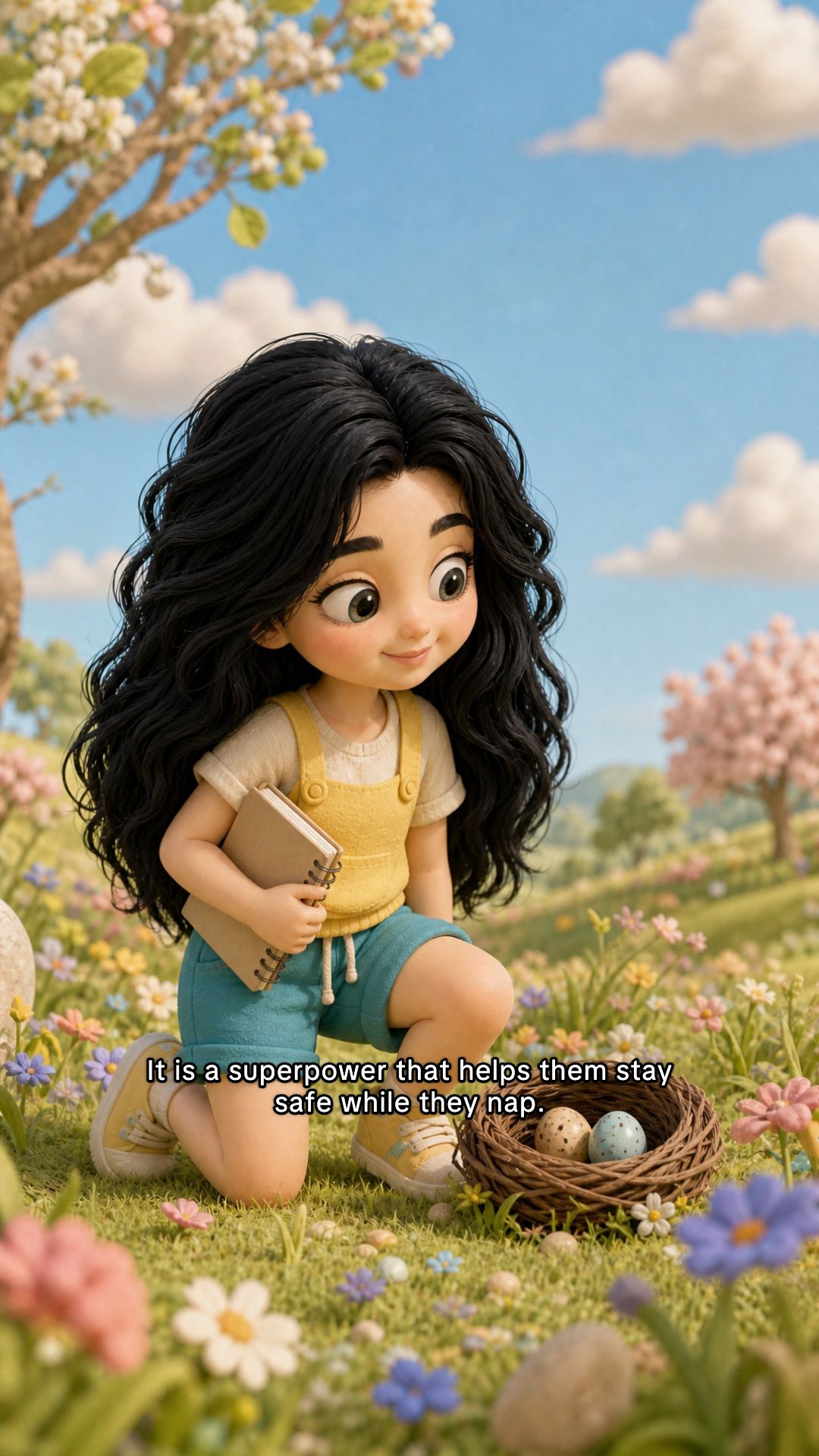

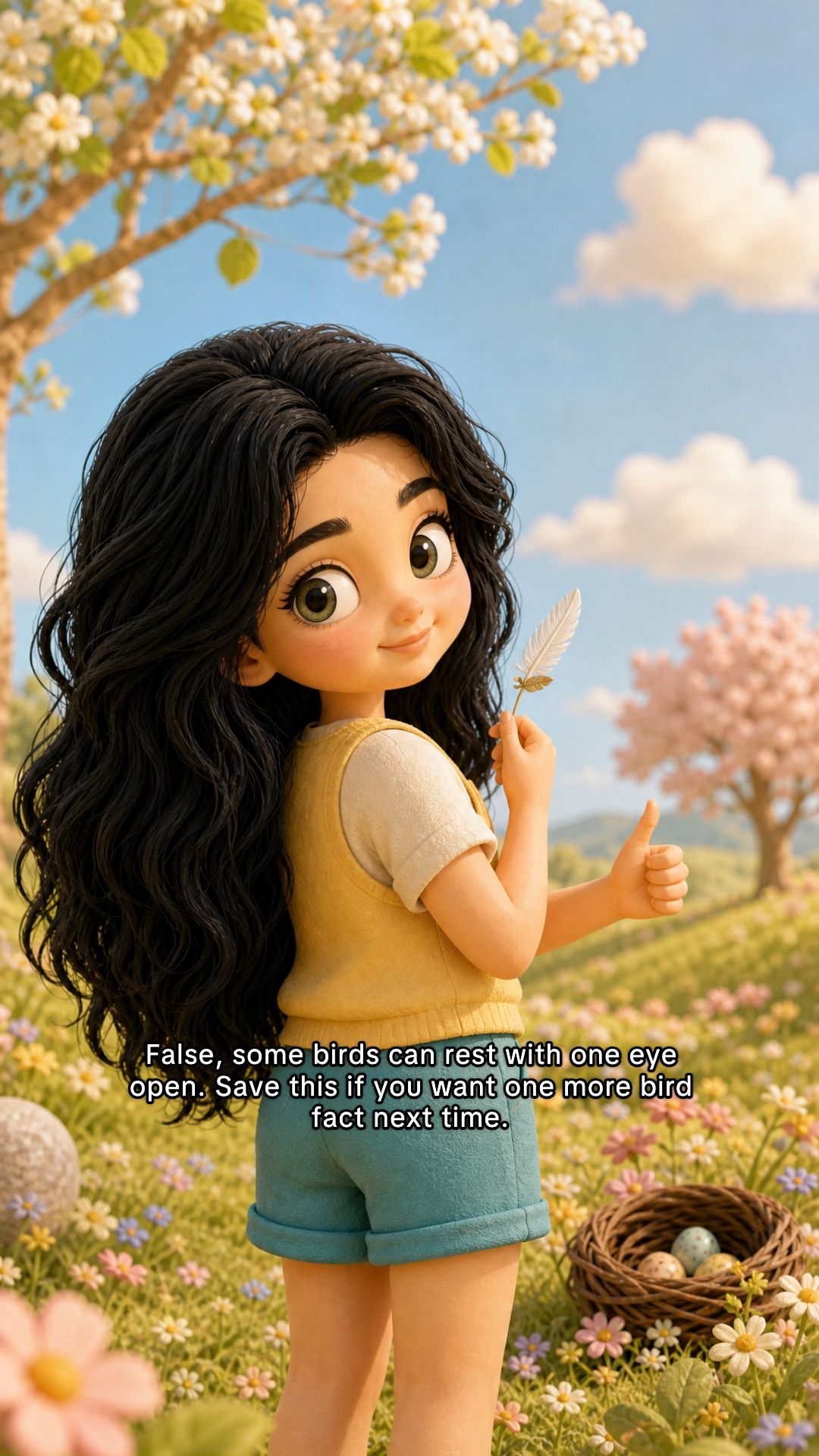
Animal knowledge
Clay 3D style
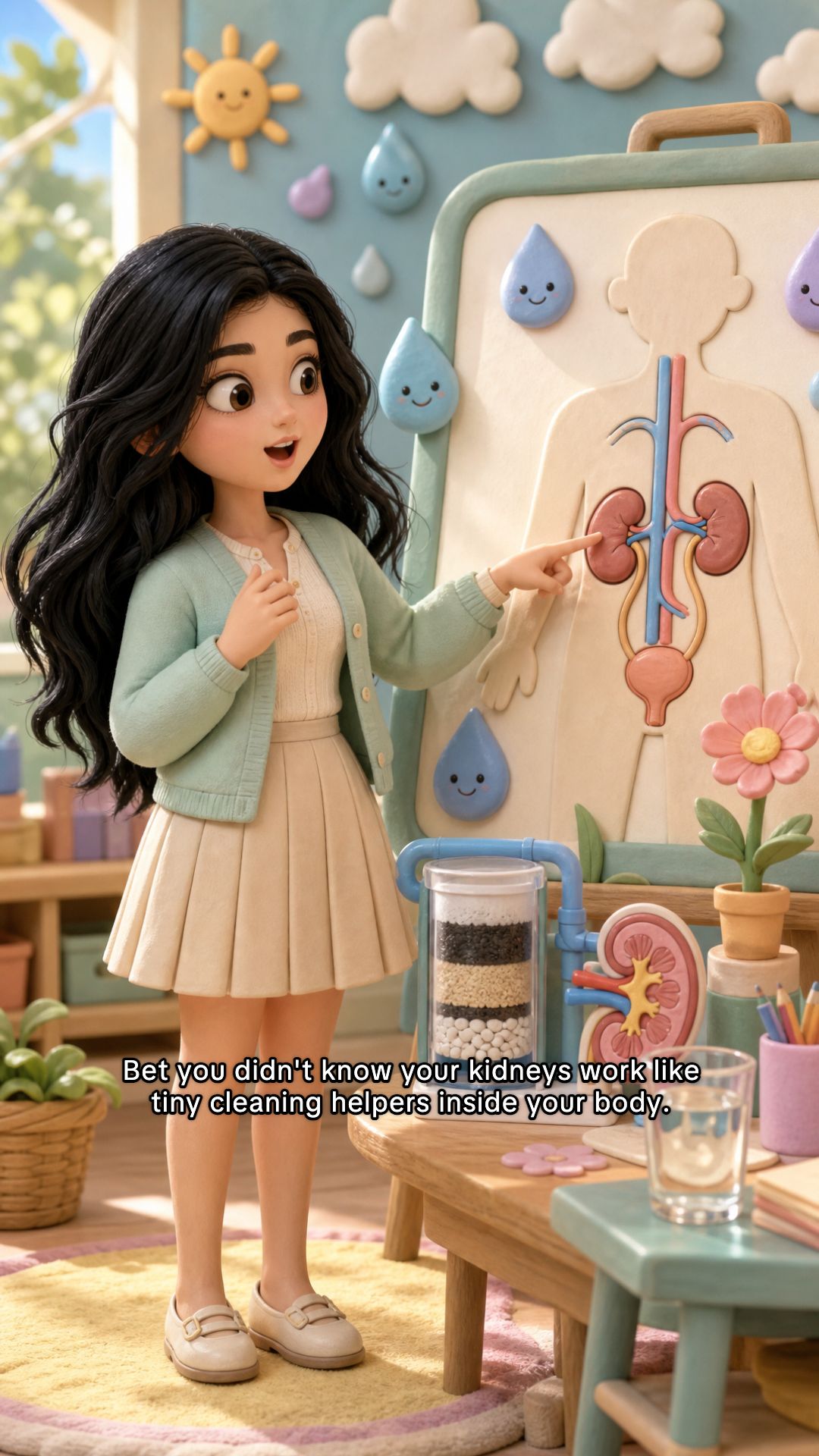
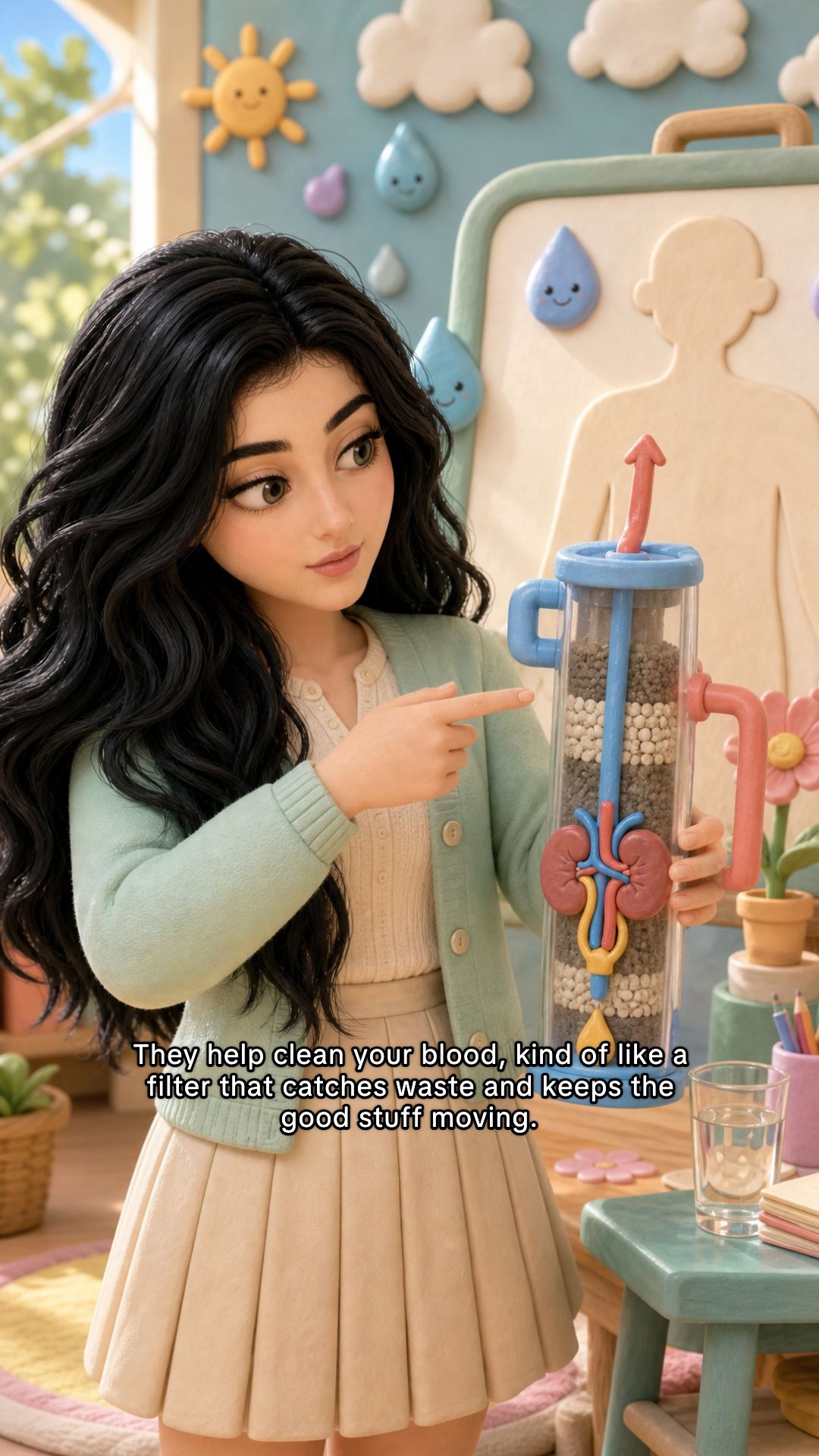
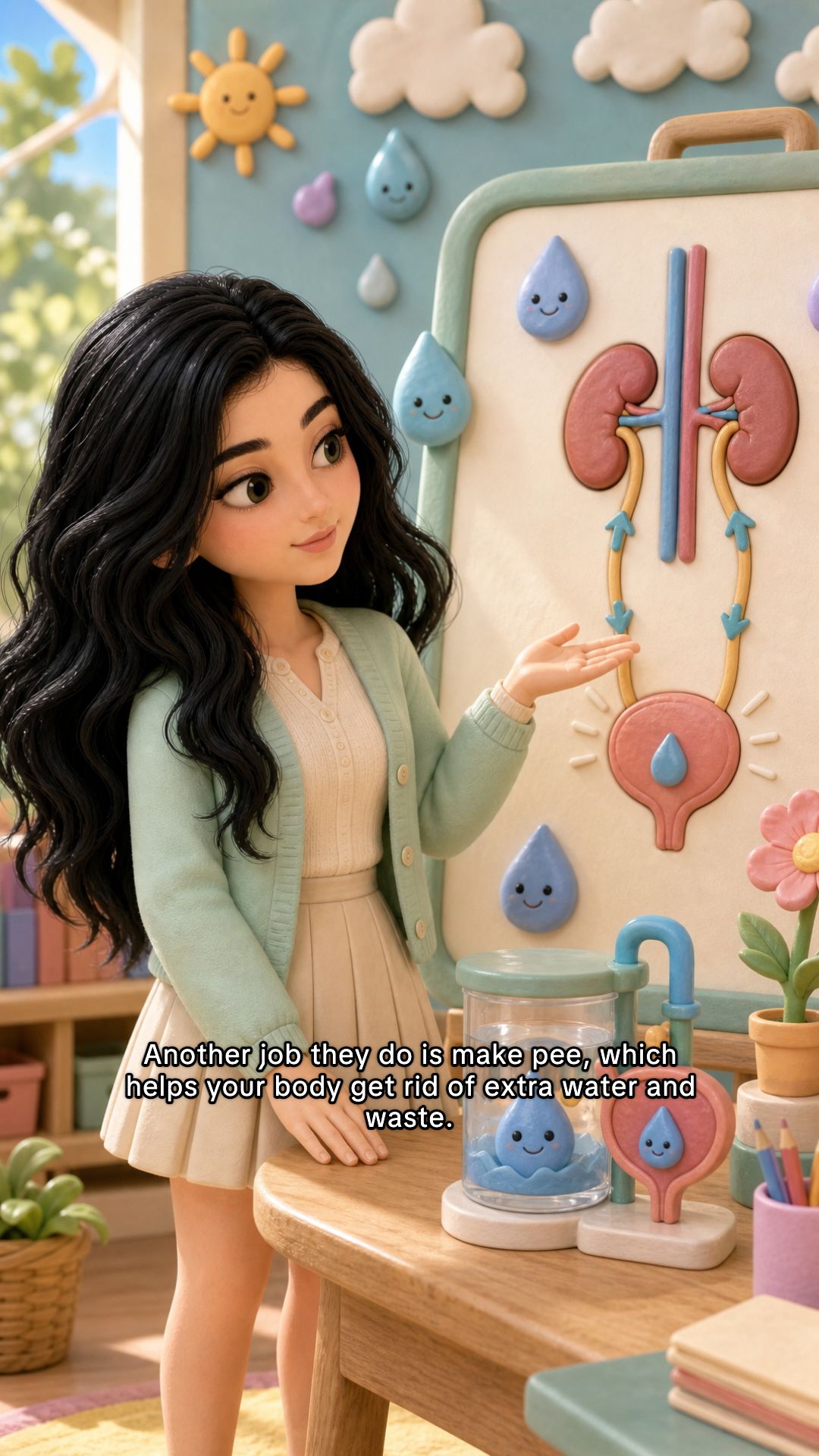
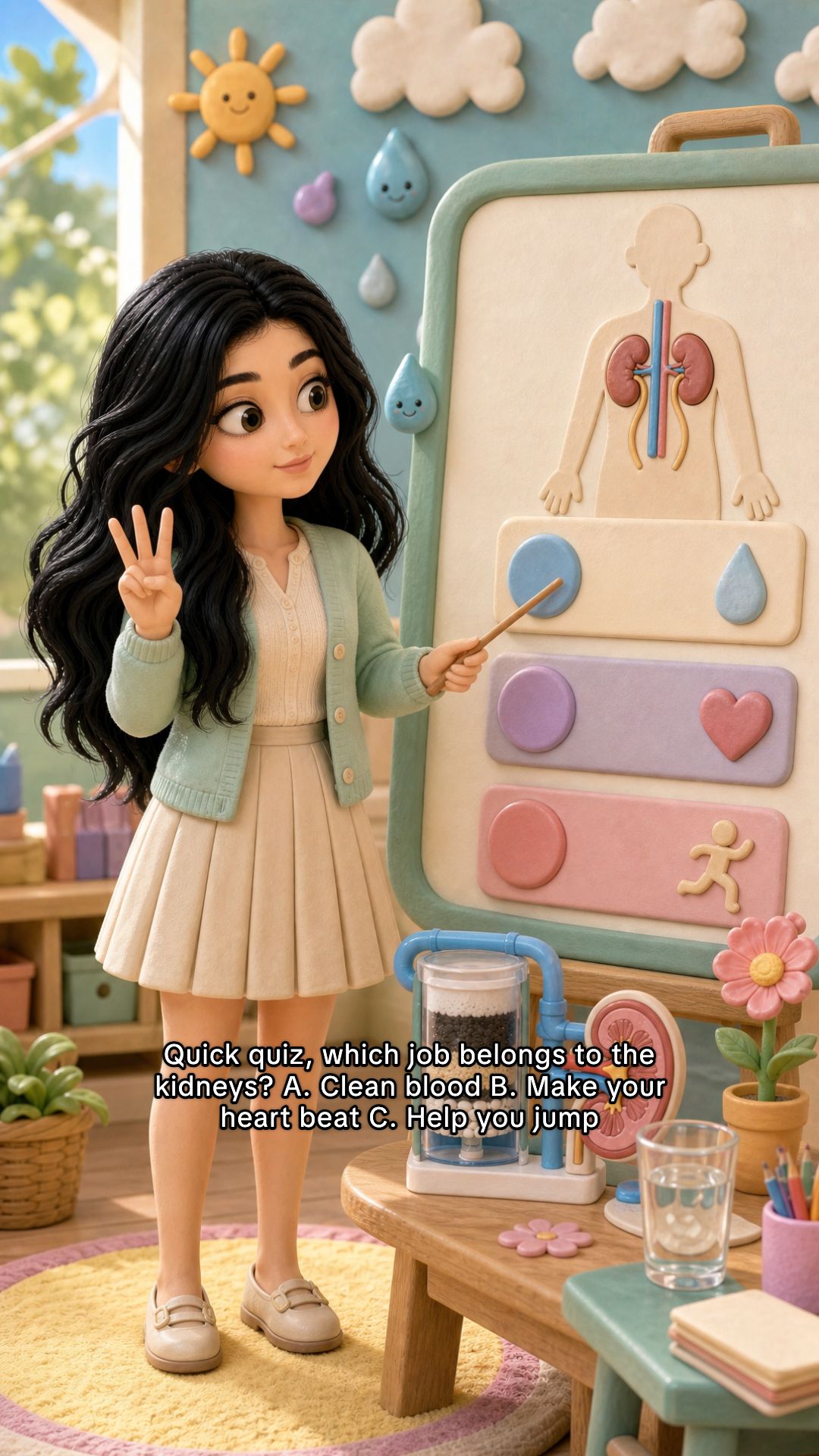
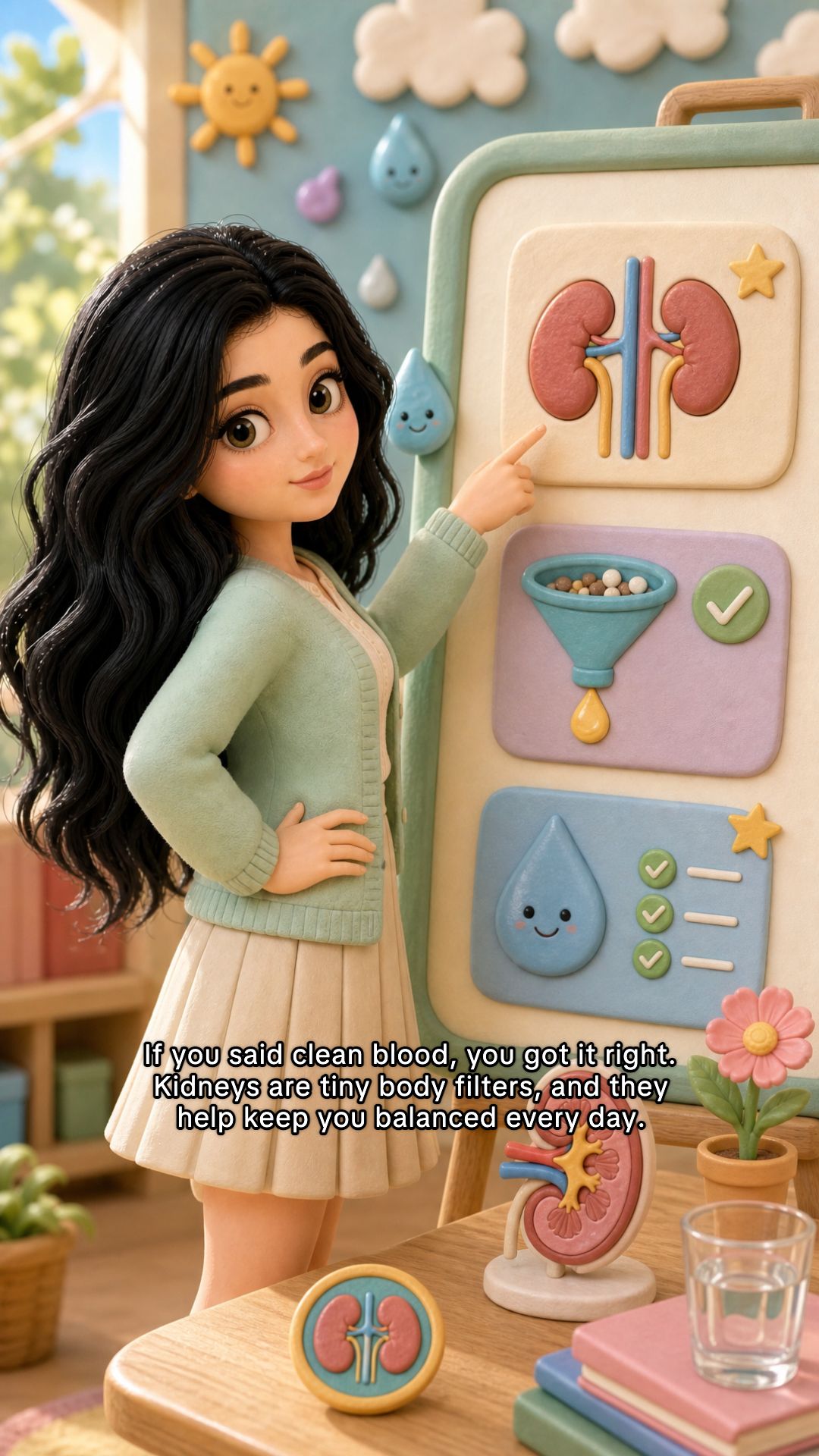
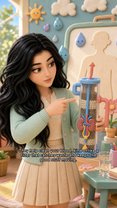
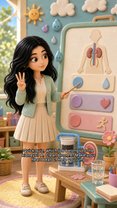
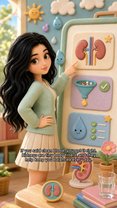
Our body
Clay 3D style
Built for learning
Everything educators need in one slideshow engine
Lesson arc framework
Built-in Hook → explain → quiz → recap structure. Every slide advances one lesson, no random fact dumps.
Same character every slide
Your friendly guide stays on-model from intro to outro with no mismatched faces mid-lesson.
Styles kids love
Bright cartoons and soft 3D clay looks that feel native on social feeds, not like a textbook PDF.
Who it's for
Made for adults who teach, shown to kids who scroll
Teachers & tutors
Turn tomorrow’s lesson into a recap carousel students rewatch after class.
Parents & homeschoolers
Explain tricky topics at the dinner table without hunting for stock clips.
Kid-focused creators
Grow an edutainment channel with scroll-stopping visuals, not hours in Canva.
You stay in control of what kids see
Reely helps you produce visuals. You choose topics, tone, and review every slideshow before it goes live. Keep language age-appropriate, avoid sensitive themes, and follow your school or platform guidelines.
Pricing
Simple pricing that scales with your creative output
Pick a plan and start creating slideshows in minutes.
Best for getting started and testing ideas.
Best for consistent posting and growing your audience.
Best for high-volume content and automation.
Cancel or change anytime.
FAQ